 ®
You describe it in words, and the flow is drawn.
The AI prepares the blocks; you review and edit them.
Automations · SimplyFlow
You design the process with blocks: what starts it, which conditions to check, who has to approve, what happens next. It works across all SimplyFlow modules.
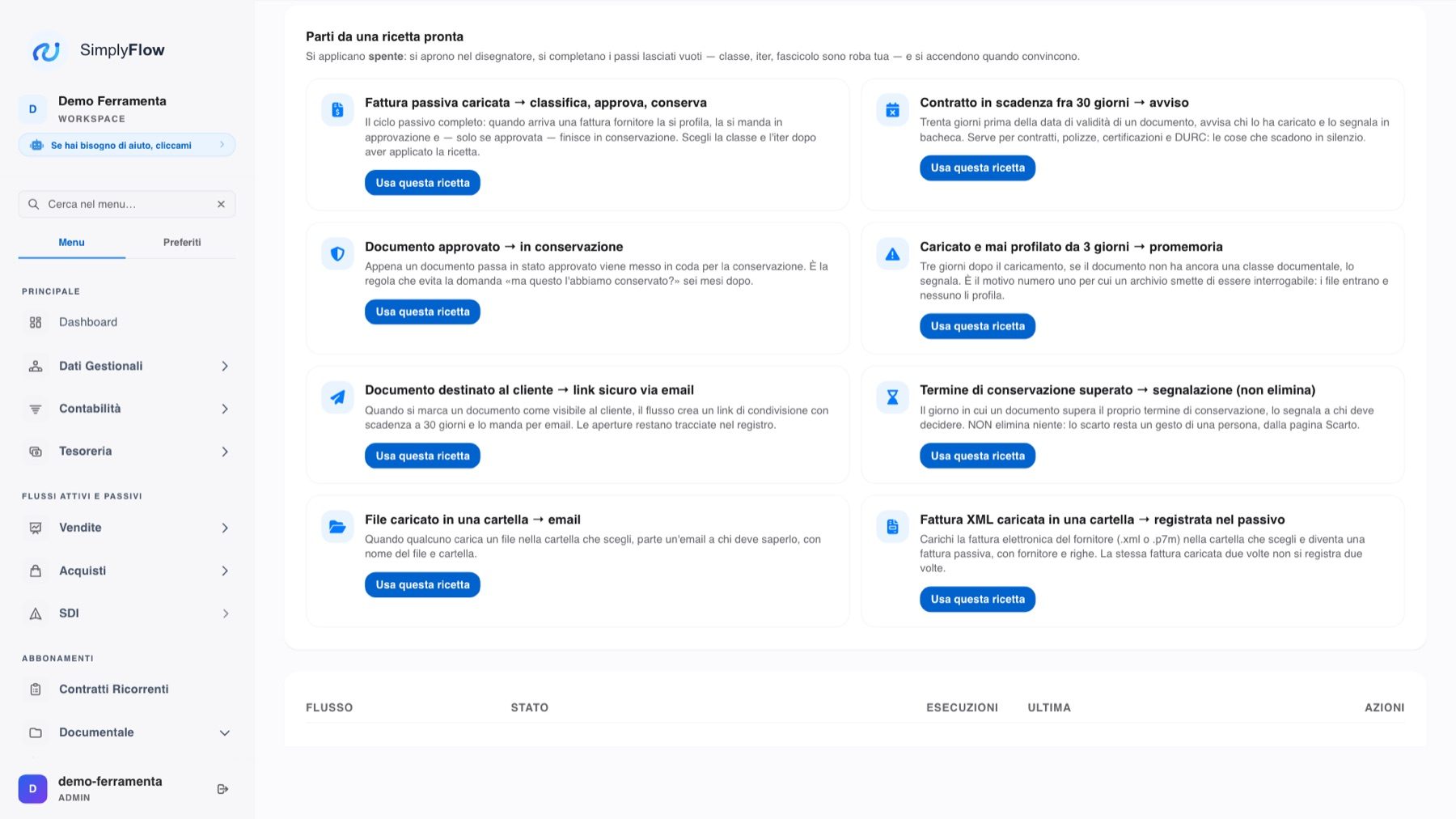
The AI prepares the blocks; you review and edit them.
The simulation runs through the flow without sending or writing anything: you can see where it would have gone.
Approvals, waits, parallel branches and sub-processes. And it can be exported to BPMN 2.0, which opens in Camunda.
Processes, not reminders
The engine runs it on every document, remembers how far it has got and waits for people when needed.
What starts a flow
A record is created, modified or deleted, or a field changes.
Every 15 minutes, every hour, every day, week or month.
For example three days before a deadline.
The call comes from an external system.
The "Run now" button.
When another automation fails.
The blocks
If/else with several criteria, branches by the value of a field.
The flow stops and waits for a person's decision.
Pauses, and waiting for an external call before resuming.
Several branches run together, then synchronise.
For each item in a list; one automation calls another.
Emails, internal notifications, WhatsApp, Telegram and Slack.
Updates a field or creates a record in any module.
Any REST API with authentication, webhooks for n8n, Make and Zapier.
Generates or classifies text, extracts data into fields, AI agent with a goal written in natural language.
How it works
You draw the flow as connected blocks.
Describe what should happen: the AI prepares the flow, which you can still edit.
The simulation runs through the flow on a real record without sending or writing anything.
For each execution you can see what was done, step by step.
Processes can be imported and exported in BPMN 2.0, to open in Camunda Modeler, bpmn.io, Bizagi or Signavio.
Sales, CRM, administration, document management, field service and trades: you activate them and adapt them.
Tell us about it: we will show you how it becomes an automation on your own documents.